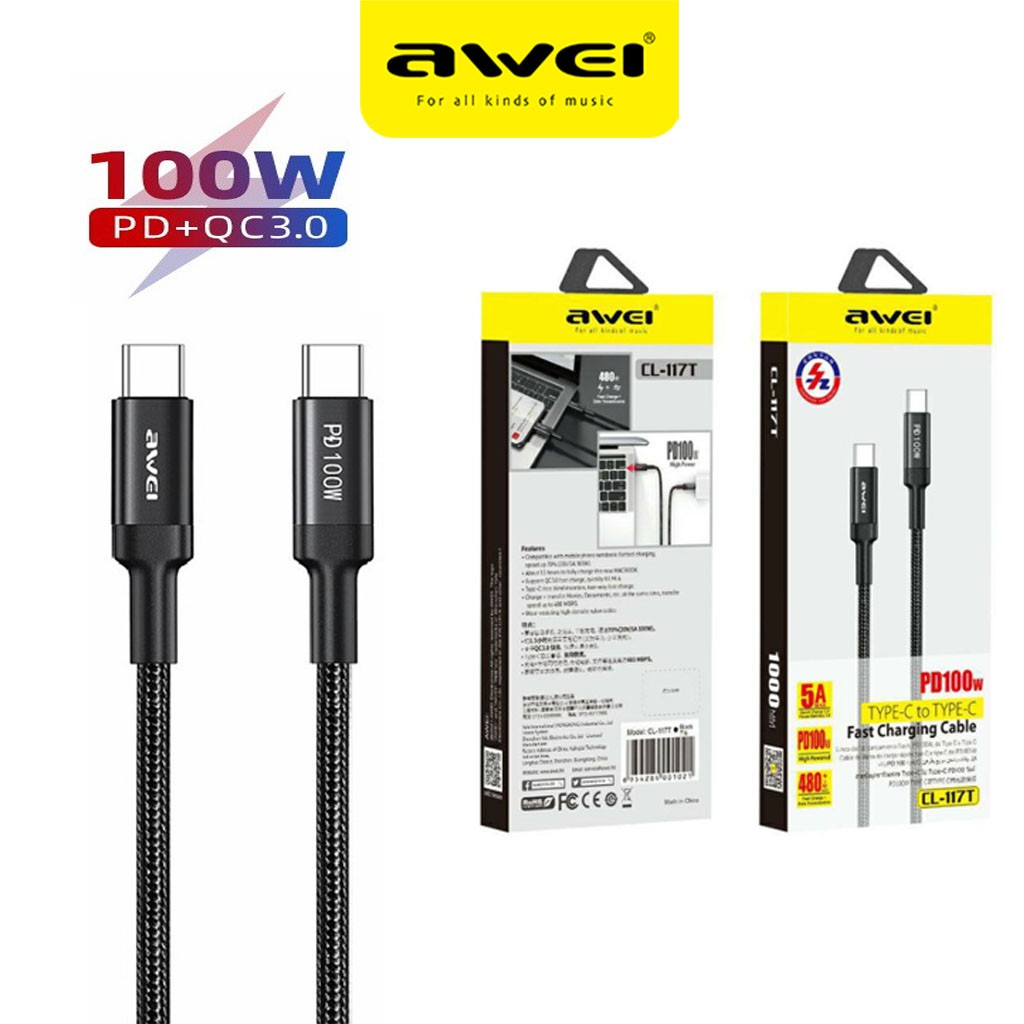
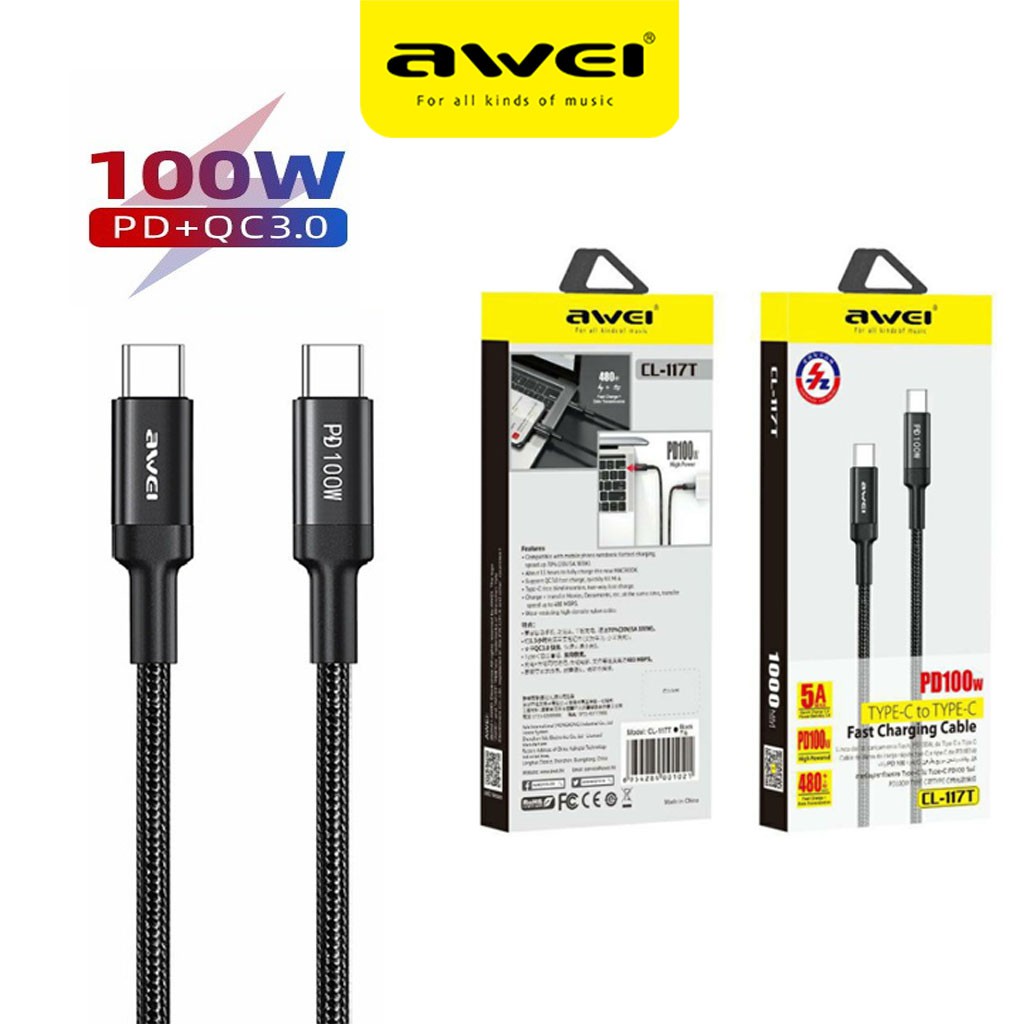
1. PD 100W Type-C to Type-C, 1 meter
2, 20V5A Current
3. Fully charge For Marbook Notebook in about 1.5 hours (Fast Charge for HUAWEI, MI)
4. Extended Protective SR Soft Rubber, No Fear of Bending or Breaking
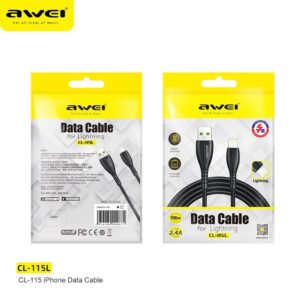
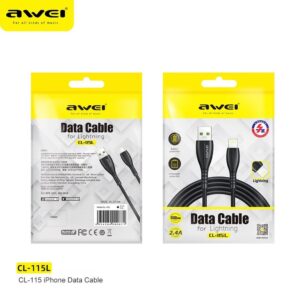
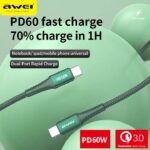
Awei CL-117T 100W USB C to Type-C Phone Cable Durable braid Cables PD 3.0 Fast Charging 20V/5A For Xiaomi Huawei Marbook Laptop
₨400
1. PD 100W Type-C to Type-C, 1 meter
2, 20V5A Current
3. Fully charge For Marbook Notebook in about 1.5 hours (Fast Charge for HUAWEI, MI)
4. Extended Protective SR Soft Rubber, No Fear of Bending or Breaking
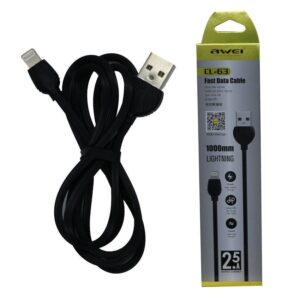
Add to Wishlist
Be the first to review “Awei CL-117T 100W USB C to Type-C Phone Cable Durable braid Cables PD 3.0 Fast Charging 20V/5A For Xiaomi Huawei Marbook Laptop” Cancel reply
₨100
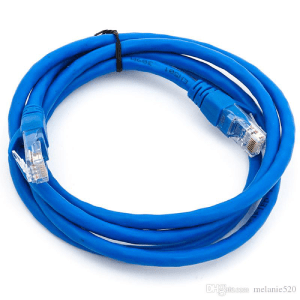
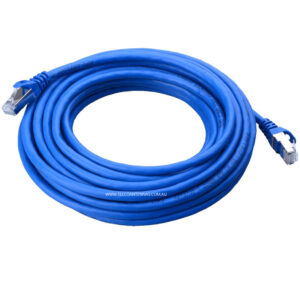
Start with the speed of your home internet connection.
₨500
- Digital-to-analog audio converter: convert coaxial or Toslink digital PCM audio signal to analog L/R and 3.5mm audio output(cannot be reversed)
- Supports Sampling Rate at 32KHz, 44.1KHz, 48KHz, 96KHz, 192KHz; 24bit S/ PDIF Incoming Bit Stream on Left and Right Channels
- Supports Uncompressed 2 channel LPCM or PCM Digital Audio Signal Output; Provides Electromagnetic-noise-free Transmission(5.1 channel is incompatible, please set the audio output to PCM or LPCM)
- Support REMOTE Control: With IR wireless remote control, easily adjust volume/ choose coaxial or toslink input/ Mute/Power ON or OFF by using the IR wireless remote, no need to leave the comfortable couch
- Easy to Install and Simple to Operate; Can be Used for PS3, PS4, Blu-ray Player, HD DVD, Home Cinema Systems, AV Amps, Etc
₨200
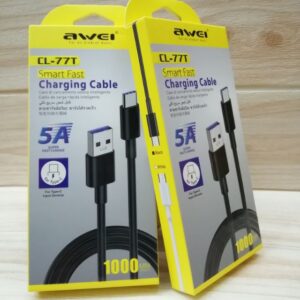
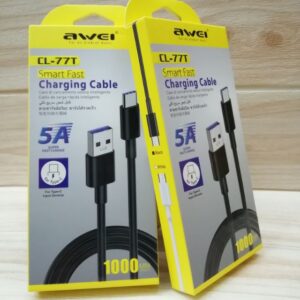
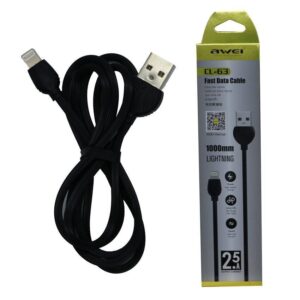
Awei CL-77T smart fast charging cable for type c input devices
5A super fast charge only for type c
₨300
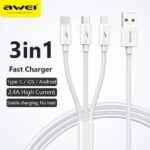
Awei CL-120 3 in1 Cable
For iOS, Type C and Micro USB.
2.1A
₨400
1. Cable length: 1 m
2. DC 5V/2.4A DC 9V/2A high current charging, fast and safe
3. Support PD protocol fast charging;
4. High-density nylon thread body, wear-resistant and stretchable, strong and not entangled
5.Color:Black/Red
₨500
- Insert the VGA interface into the computer or other equipment with the VGA output.
- Plug the USB and Audio connector into the related interfaces.
- Connect the HDMI cable to the HDMI female interface, and then connect the HDMI cable to the displayer or projector with the HDMI interface.


Reviews
There are no reviews yet.