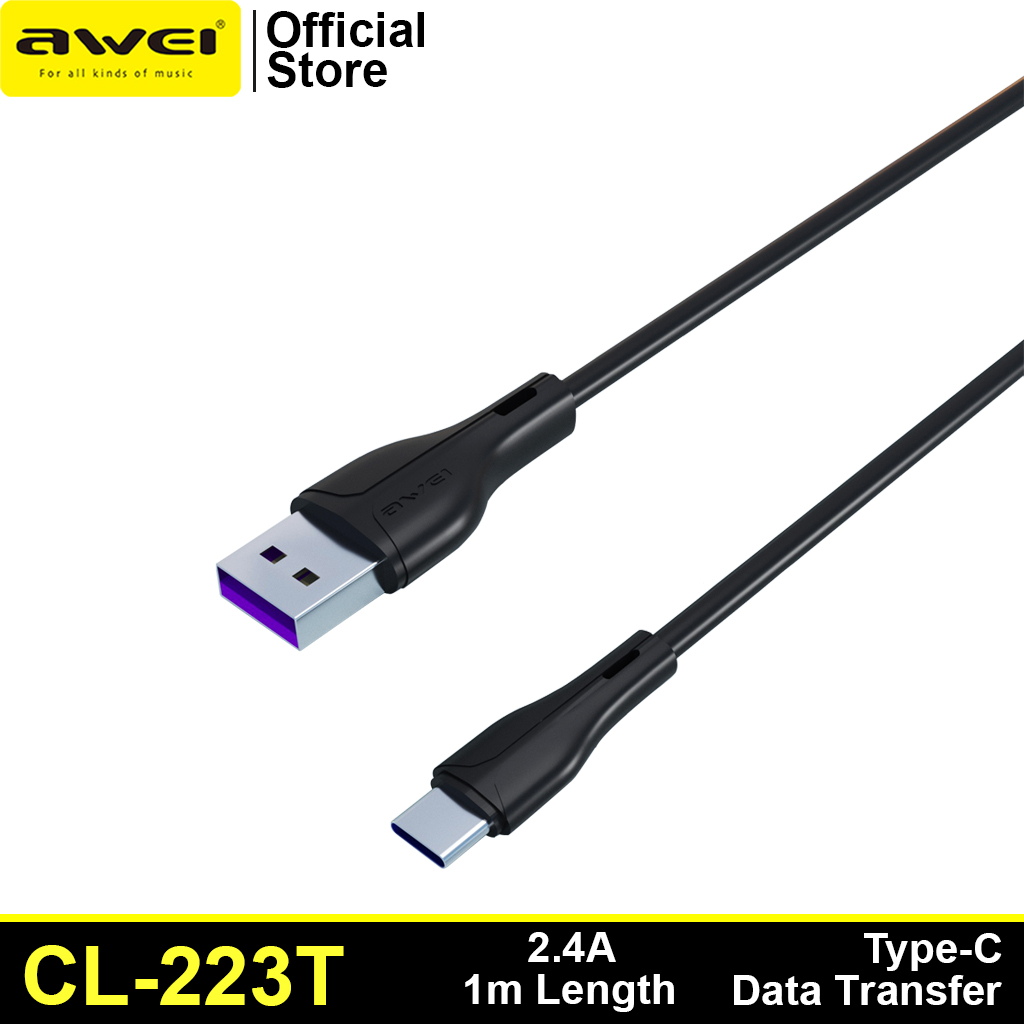
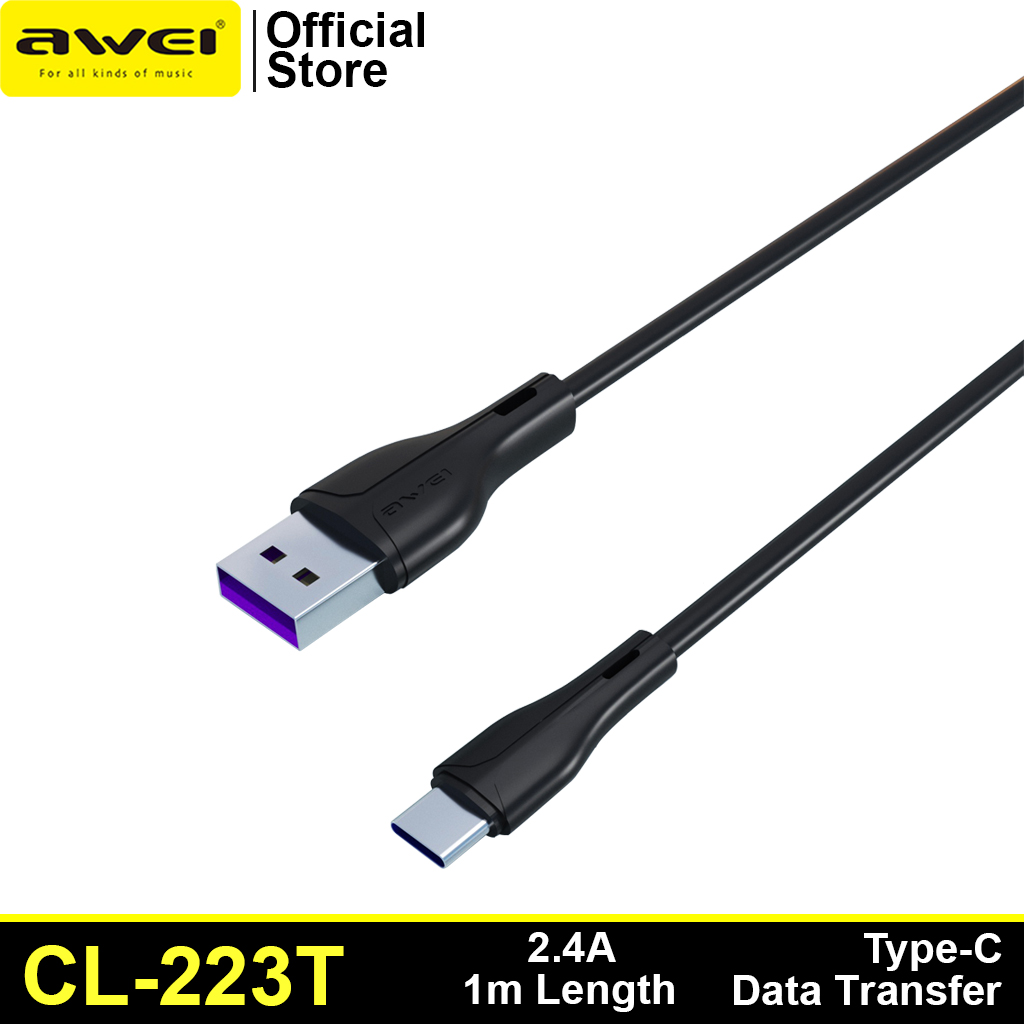
Awei CL-223T TYPE-C
₨300
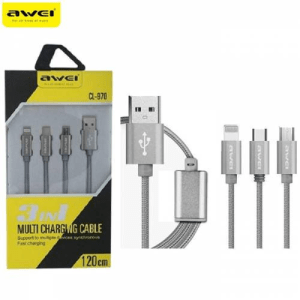
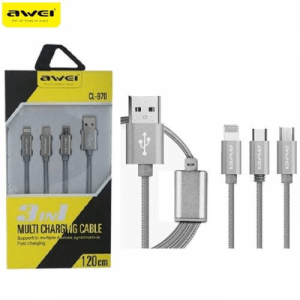
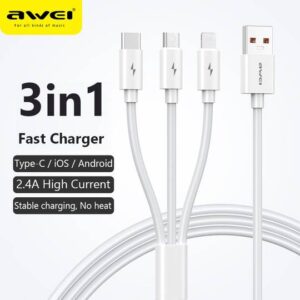
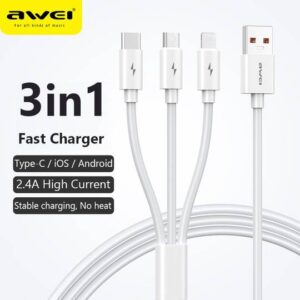
Awei CL- 970 Charging Cable 1.2M 3-in-1 Nylon Braided Micro-USB + Type-C + iOS Lightning 8 Pin
Awei 3 in 1 Data Cable CL-970
•Type: 3in1 (lightning port, micro port, and type C port)
•Cable Length: 1.2m
•Material: Braided Cable
•Uses high-strength nylon tough environmental wire
•Anti-broken, Anti winding
₨300
Awei CL-120 3 in1 Cable
For iOS, Type C and Micro USB.
2.1A
₨100
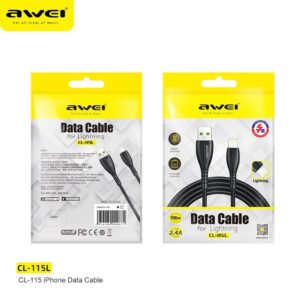
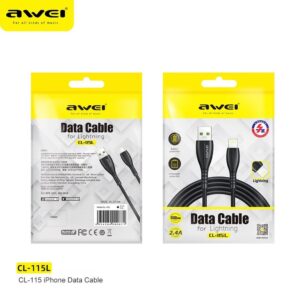
*High quality
*2.4A large current charging, fast and safe
*Elbow type cable. Designed for mobile game
*For type-C input devices
*Data Cable
*100cm Length
*Over Charge Protection
*Battery Protection
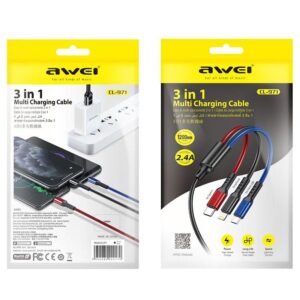
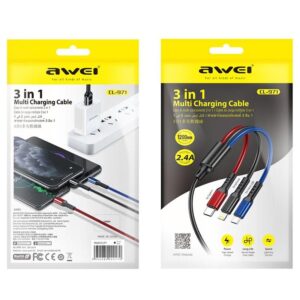
₨150
1. CL-971 three-in-one fast charging data cable
2. One for three, fast charging with three ports at the same time
3. All copper core, charging speed up to 60%
4. Oxidized metal connector, strong PVC body, durable
5. The cord is 1.2 meters long
₨800
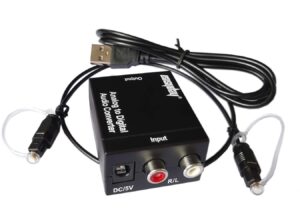
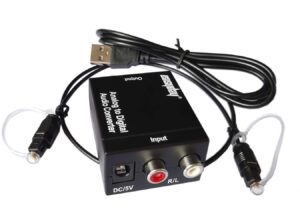
- Analog to Digital Audio Converter: Converts R/L RCA analog signal or 3.5mm jack AUX audio (Only 2.0Ch PCM or LPCM) to Digital Coaxial audio and Toslink Spdif Optical digital audio simultaneously. Please don’t forget to set the audio output of L/R or 3.5mm Aux Port to PCM or LPCM as it is not compatible with 5.1 Channel Signal, such as Dolby Digital or DTS 5.1, Dolby-AC3.
- High Sample Rates: Supports uncompressed 2-channel LPCM digital audio signal output.Supports output sampling rate at 48 KHz.
- Input and Output Ports: Input Audio Connector:1x L/R Port, 1x 3.5mm jack AUX; Output Audio Connector:1x Toslink,1x Coaxial.Powered by 5V/1A Power Adapter.
- Plug and Play: Simple installation and easy operation. No extral drive installation matter. Powered by USB Cable.Can be Used for PS3, PS4, Apple TV, Xbox, Blu-ray Player, HD DVD, AV Amps, etc.
Reviews
There are no reviews yet.