
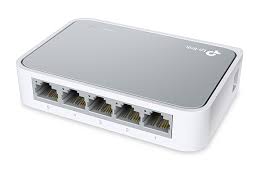
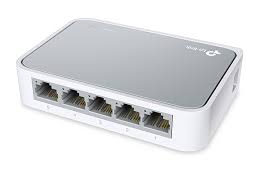
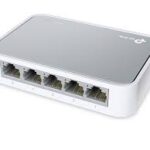
The TL-SF1005D 5-Port 10/100Mbps desktop switch provides an easy way to expand your wired network. All 5 ports support auto-MDI/MDIX, eliminating the need to worry about the type of cable to use. Featuring full duplex mode, the TL-SF1005D can process data at a rate of up to 200Mbps making it an ideal choice for expanding your high performance wired network. Moreover, with innovative energy-efficient technology, the TL-SF1005D can save up to 68% of power consumption, making it an eco-friendly solution for your home or office network.
TP-LINK 5 PORTS 10/100MBPS DESKTOP SWITCH / TL-SF1005D
₨1,100
The TL-SF1005D 5-Port 10/100Mbps desktop switch provides an easy way to expand your wired network. All 5 ports support auto-MDI/MDIX, eliminating the need to worry about the type of cable to use. Featuring full duplex mode, the TL-SF1005D can process data at a rate of up to 200Mbps making it an ideal choice for expanding your high performance wired network. Moreover, with innovative energy-efficient technology, the TL-SF1005D can save up to 68% of power consumption, making it an eco-friendly solution for your home or office network.
₨400
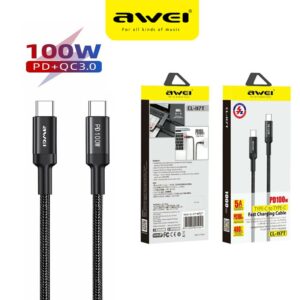
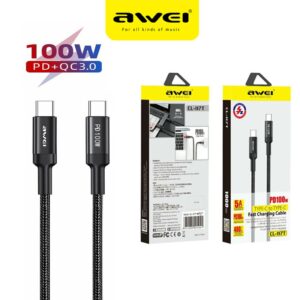
1. PD 100W Type-C to Type-C, 1 meter
2, 20V5A Current
3. Fully charge For Marbook Notebook in about 1.5 hours (Fast Charge for HUAWEI, MI)
4. Extended Protective SR Soft Rubber, No Fear of Bending or Breaking
₨300
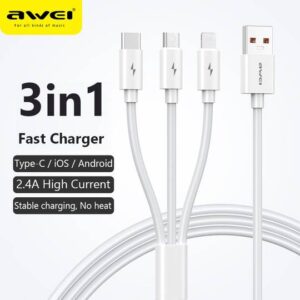
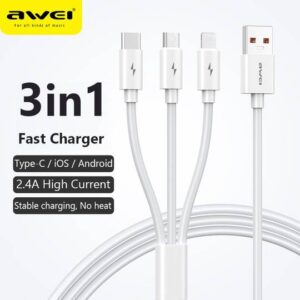
Awei CL-120 3 in1 Cable
For iOS, Type C and Micro USB.
2.1A
₨200
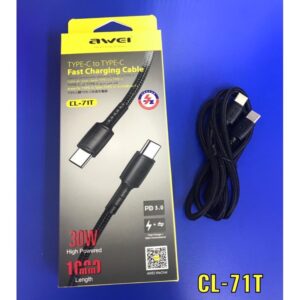
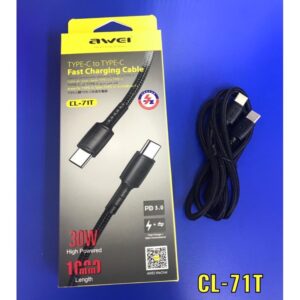
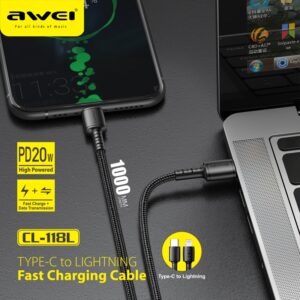
-3A Large Current Charging, Fast and Safe
-Fast Charge + Data Transmission
-Support PD Protocol Fast Charge
-30W high Powered
-1 meter Length
₨400
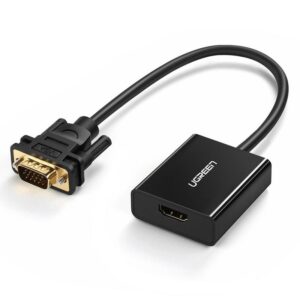
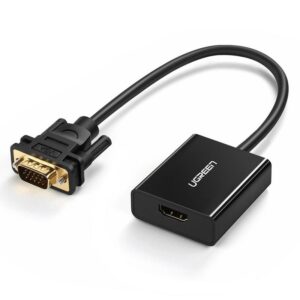
Plug the HDMI connector into an HDMI port on your computer, then connect the VGA connector to a VGA cable
₨300
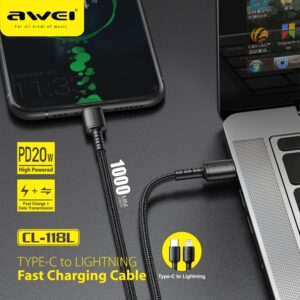
1. Cable length: 1 m
2. DC 5V/2.4A DC 9V/2A high current charging, fast and safe
3. Support PD protocol fast charging;
4. High-density nylon thread body, wear-resistant and stretchable, strong and not entangled
Reviews
There are no reviews yet.