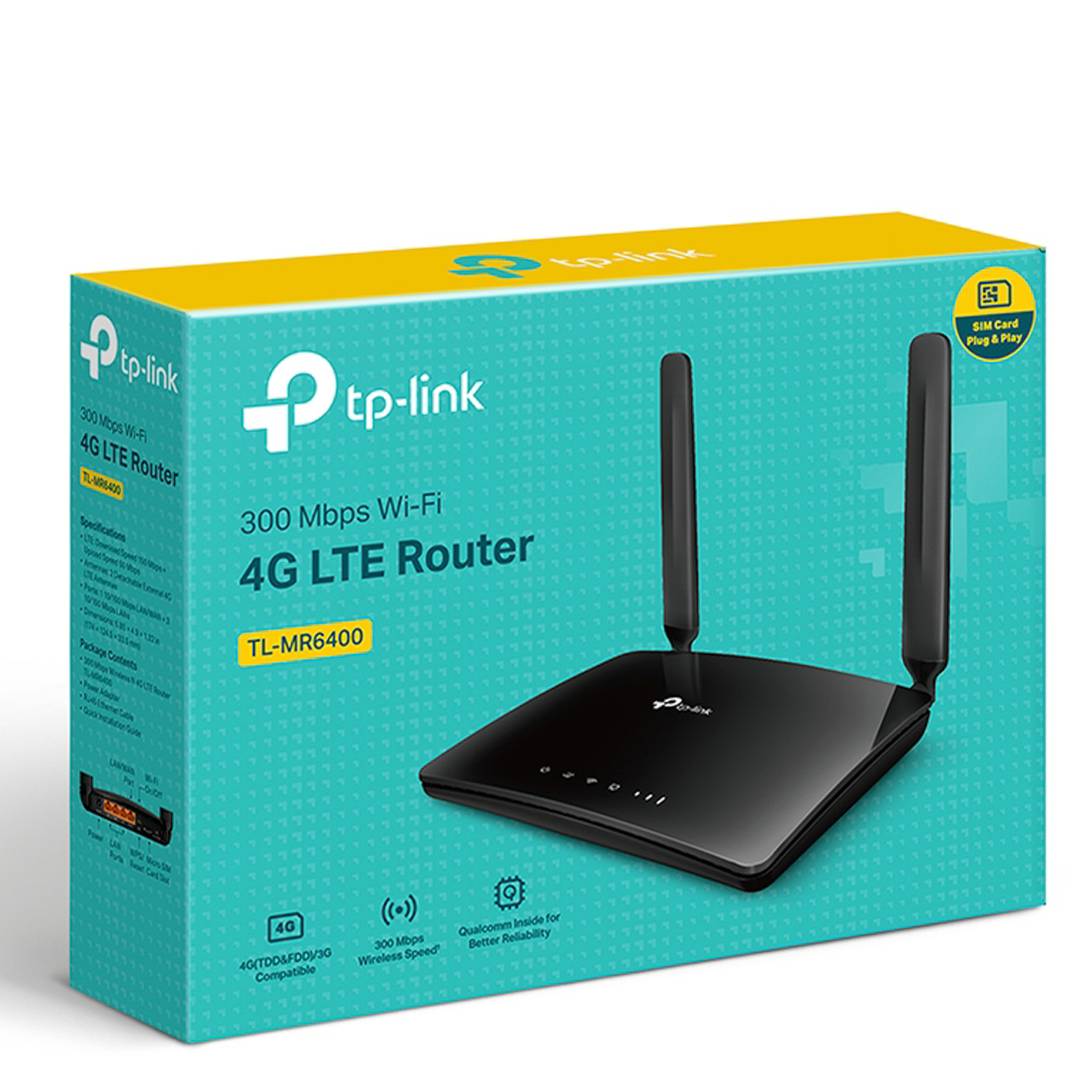
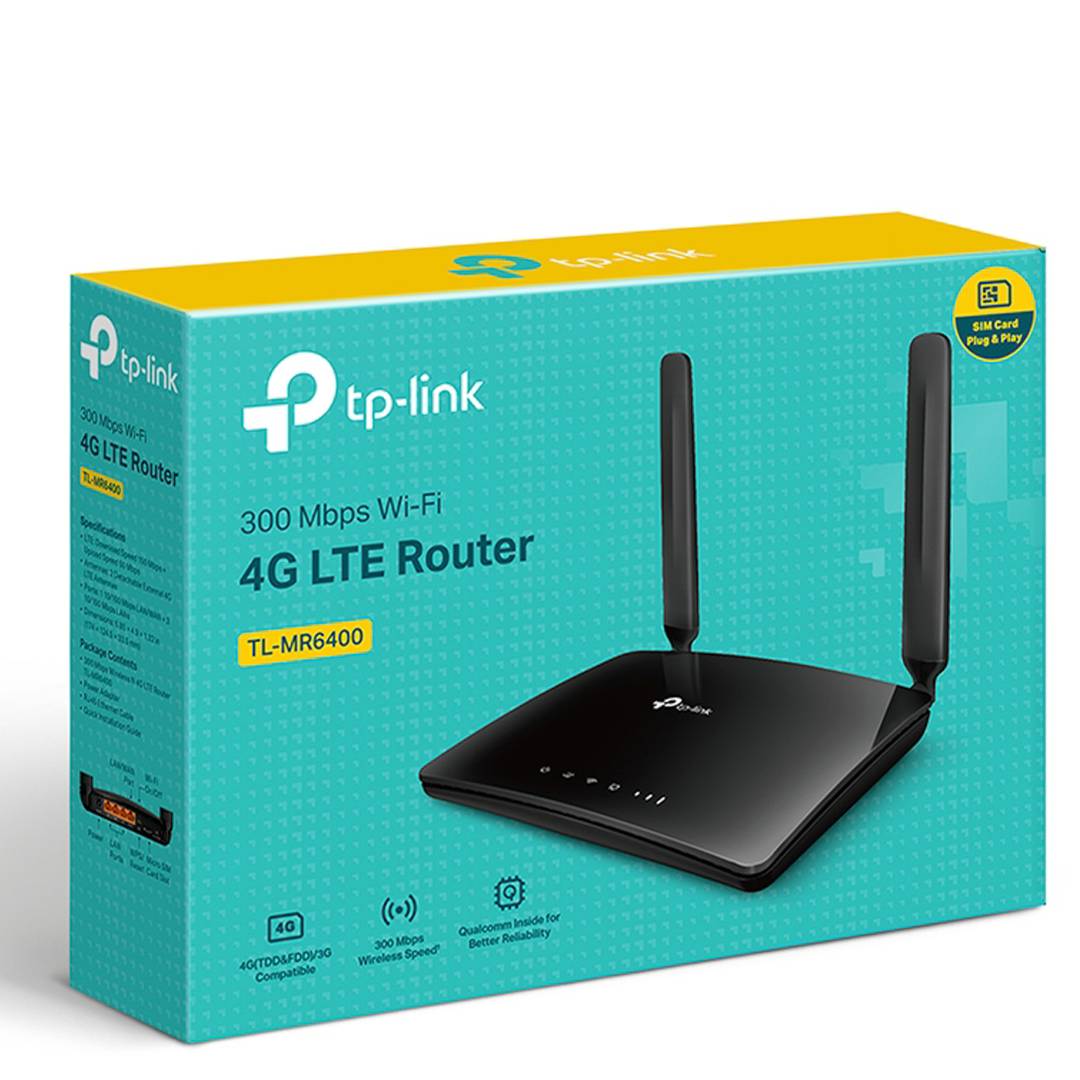
- Insert a SIM card and enjoy – no setup required, SIM card compatibility in over 100 countries is ensured by years of field testing.
- Personalized management: Advanced features such as Parental Control, Guest Network and Access Control provide tailor-made network management.
- Extended coverage at home or in the office. Beamforming technology combine to extend the Wi-Fi signal throughout the home or office.
- TP-Link OneMeshTM Support – Collaborate with TP-Link OneMesh products to create a flexible and cost-effective Mesh network.
- Wi-Fi router mode: Connect an Ethernet cable to the LAN / WAN port for flexible access as a backup option if you cannot get a 4G connection.
TP-Link MR6400 4G Cat6 Wireless Dual Band 300 Mbps Router
₨6,700
- Insert a SIM card and enjoy – no setup required, SIM card compatibility in over 100 countries is ensured by years of field testing.
- Personalized management: Advanced features such as Parental Control, Guest Network and Access Control provide tailor-made network management.
- Extended coverage at home or in the office. Beamforming technology combine to extend the Wi-Fi signal throughout the home or office.
- TP-Link OneMeshTM Support – Collaborate with TP-Link OneMesh products to create a flexible and cost-effective Mesh network.
- Wi-Fi router mode: Connect an Ethernet cable to the LAN / WAN port for flexible access as a backup option if you cannot get a 4G connection.
₨300
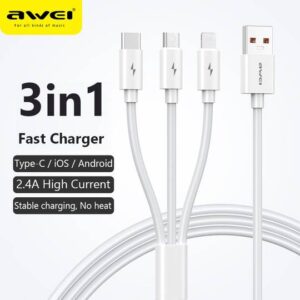
Awei CL-120 3 in1 Cable
For iOS, Type C and Micro USB.
2.1A
₨200
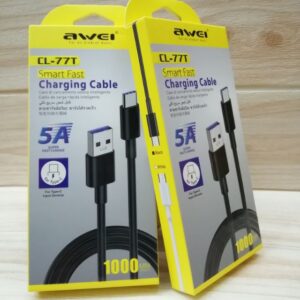
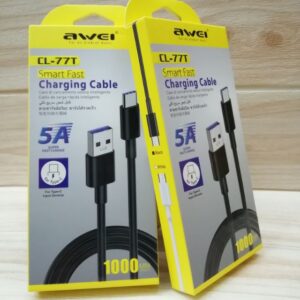
Awei CL-77T smart fast charging cable for type c input devices
5A super fast charge only for type c
₨150
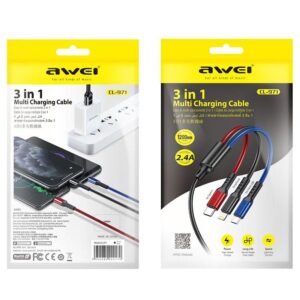
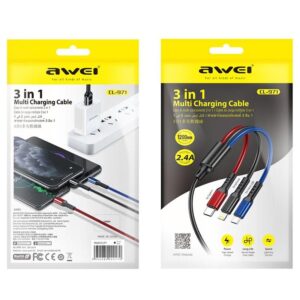
1. CL-971 three-in-one fast charging data cable
2. One for three, fast charging with three ports at the same time
3. All copper core, charging speed up to 60%
4. Oxidized metal connector, strong PVC body, durable
5. The cord is 1.2 meters long
₨200
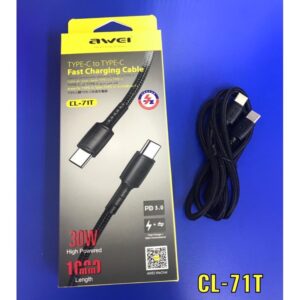
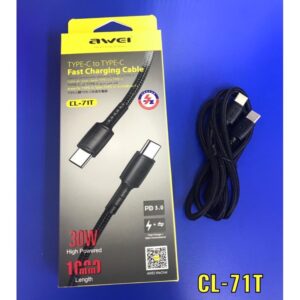
-3A Large Current Charging, Fast and Safe
-Fast Charge + Data Transmission
-Support PD Protocol Fast Charge
-30W high Powered
-1 meter Length
Reviews
There are no reviews yet.