
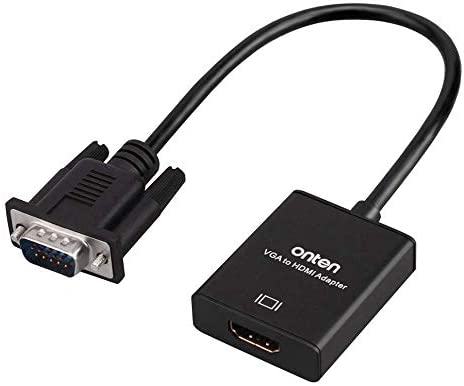
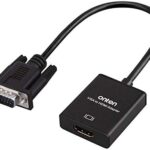
- Insert the VGA interface into the computer or other equipment with the VGA output.
- Plug the USB and Audio connector into the related interfaces.
- Connect the HDMI cable to the hdmi female interface, and then connect the HDMI cable to the displayer or projector with the HDMI interface.
VGA to HDMI Converter
₨500
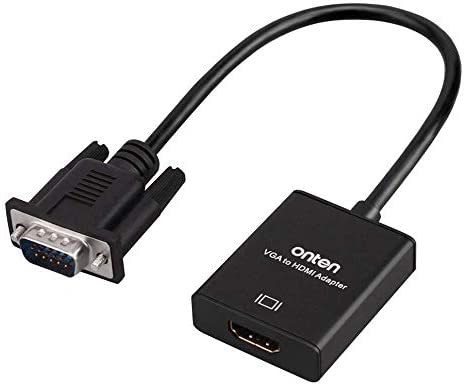
- Insert the VGA interface into the computer or other equipment with the VGA output.
- Plug the USB and Audio connector into the related interfaces.
- Connect the HDMI cable to the HDMI female interface, and then connect the HDMI cable to the displayer or projector with the HDMI interface.
₨400
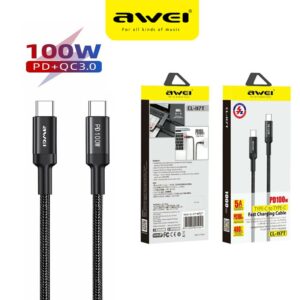
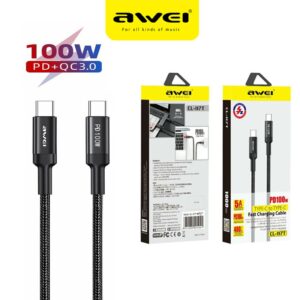
1. PD 100W Type-C to Type-C, 1 meter
2, 20V5A Current
3. Fully charge For Marbook Notebook in about 1.5 hours (Fast Charge for HUAWEI, MI)
4. Extended Protective SR Soft Rubber, No Fear of Bending or Breaking
₨100
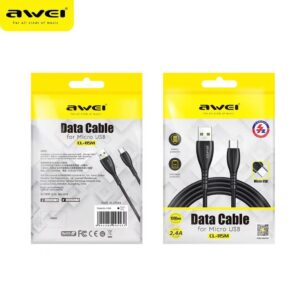
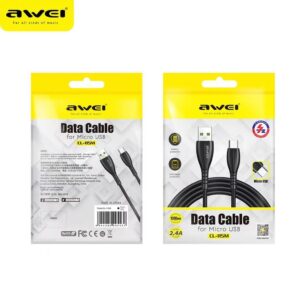
Brand name: Awei
Model ID:CL-115M Micro Fast Charging Cable
Output: 5V/2.4A
Length: 1M
₨600
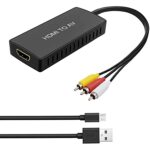
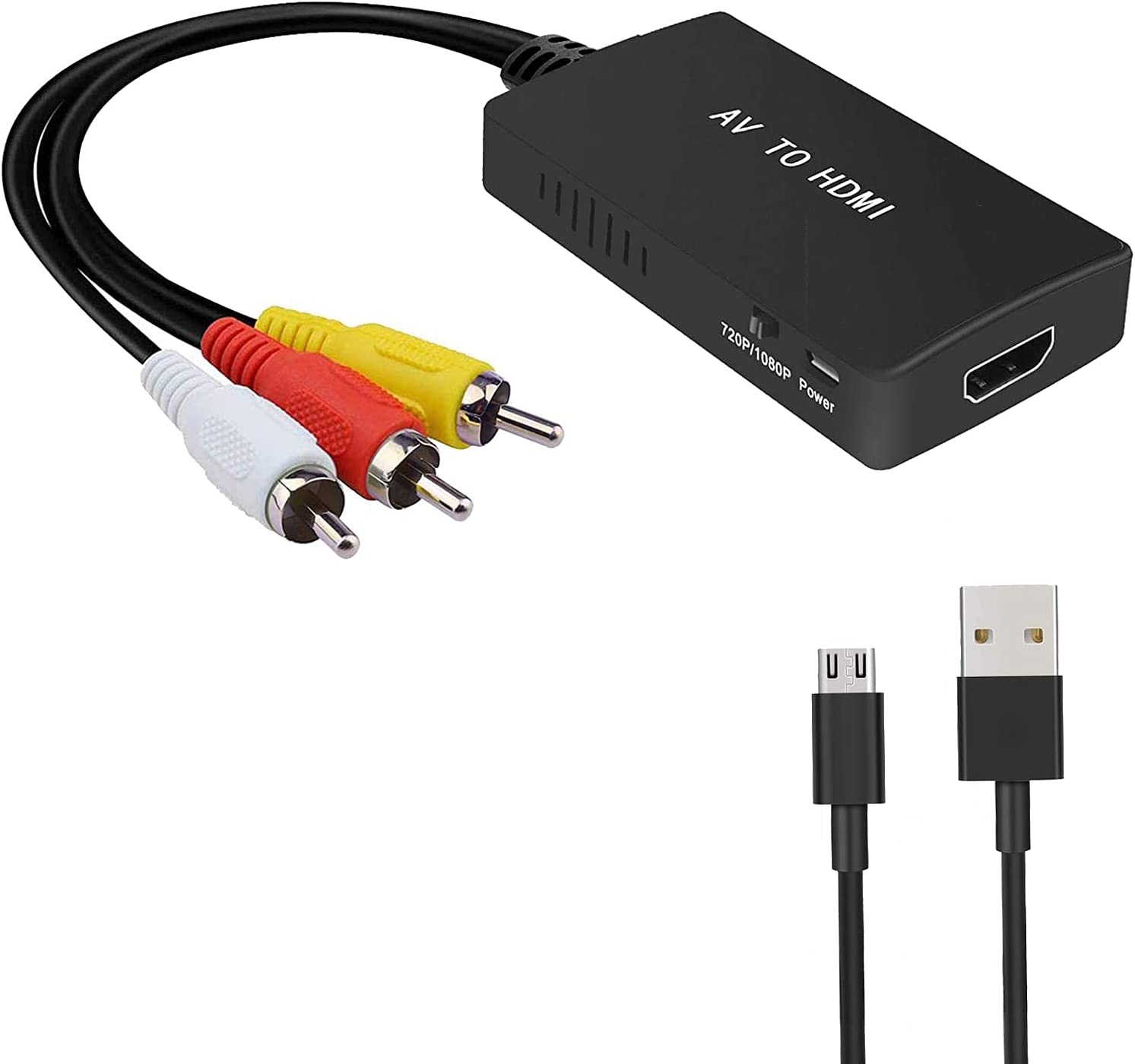
- RCA to HDMI Converter: Converts analog RCA composite (Yellow, White, Red) input to HDMI 720P/1080P (60HZ) output,displayed on HDTV/Monitor.
- Plug to Play: ABLEWE Mini RCA to HDMI converter no extra drivers need, just plug and play,easy to use.Please hook up the USB power cable (included) to 5V power source during use.
- Wide Compatibility: Support source formats of PAL, NTSC3.58, NTSC4.43, SECAM, PAL/M, PAL/N standard TV. Provide advanced signal processing with great precision, colors, resolutions, and details.
- Widely Used: Widely applied to PS2,PS3,Xbox,N64, WII, STB, VHS, VCR, DVD Players and other devices with standard composite AV input.
₨800
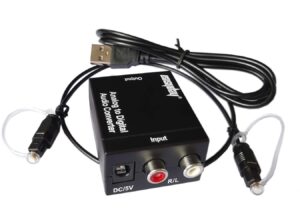
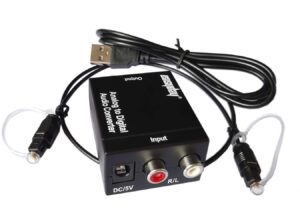
- Analog to Digital Audio Converter: Converts R/L RCA analog signal or 3.5mm jack AUX audio (Only 2.0Ch PCM or LPCM) to Digital Coaxial audio and Toslink Spdif Optical digital audio simultaneously. Please don’t forget to set the audio output of L/R or 3.5mm Aux Port to PCM or LPCM as it is not compatible with 5.1 Channel Signal, such as Dolby Digital or DTS 5.1, Dolby-AC3.
- High Sample Rates: Supports uncompressed 2-channel LPCM digital audio signal output.Supports output sampling rate at 48 KHz.
- Input and Output Ports: Input Audio Connector:1x L/R Port, 1x 3.5mm jack AUX; Output Audio Connector:1x Toslink,1x Coaxial.Powered by 5V/1A Power Adapter.
- Plug and Play: Simple installation and easy operation. No extral drive installation matter. Powered by USB Cable.Can be Used for PS3, PS4, Apple TV, Xbox, Blu-ray Player, HD DVD, AV Amps, etc.
Reviews
There are no reviews yet.