
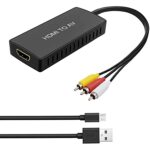
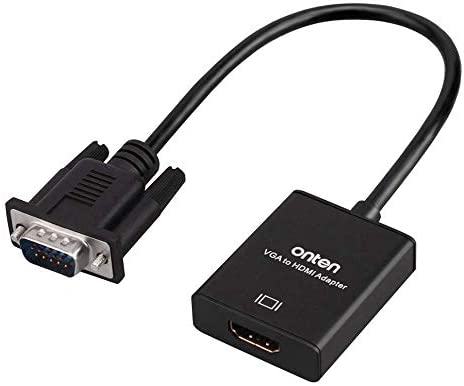
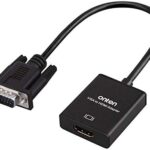
- Insert the VGA interface into the computer or other equipment with the VGA output.
- Plug the USB and Audio connector into the related interfaces.
- Connect the HDMI cable to the hdmi female interface, and then connect the HDMI cable to the displayer or projector with the HDMI interface.
VGA to HDMI Converter
₨500
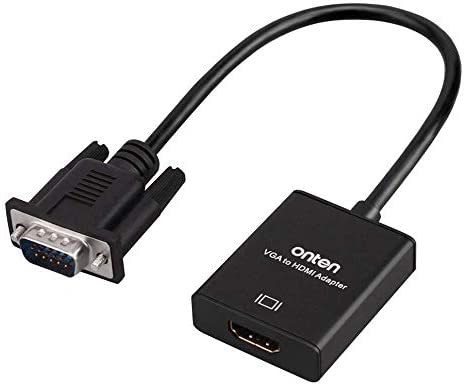
- Insert the VGA interface into the computer or other equipment with the VGA output.
- Plug the USB and Audio connector into the related interfaces.
- Connect the HDMI cable to the HDMI female interface, and then connect the HDMI cable to the displayer or projector with the HDMI interface.
₨100
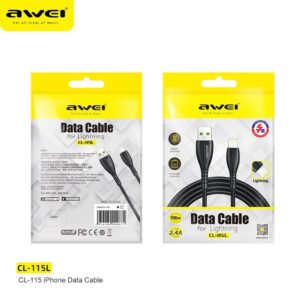
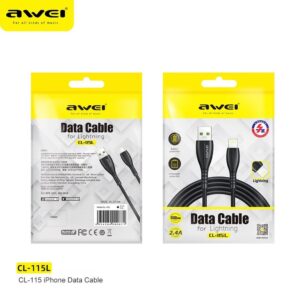
*High quality
*2.4A large current charging, fast and safe
*Elbow type cable. Designed for mobile game
*For type-C input devices
*Data Cable
*100cm Length
*Over Charge Protection
*Battery Protection
₨150
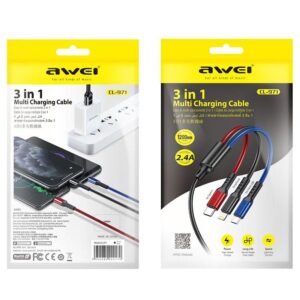
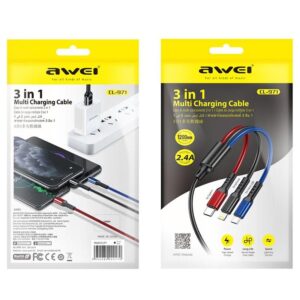
1. CL-971 three-in-one fast charging data cable
2. One for three, fast charging with three ports at the same time
3. All copper core, charging speed up to 60%
4. Oxidized metal connector, strong PVC body, durable
5. The cord is 1.2 meters long
₨300
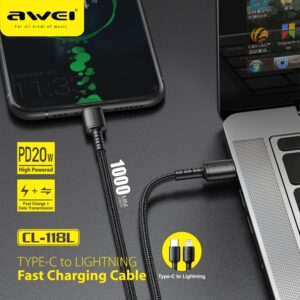
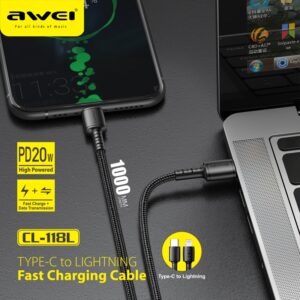
1. Cable length: 1 m
2. DC 5V/2.4A DC 9V/2A high current charging, fast and safe
3. Support PD protocol fast charging;
4. High-density nylon thread body, wear-resistant and stretchable, strong and not entangled
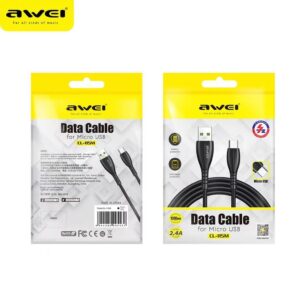
₨100
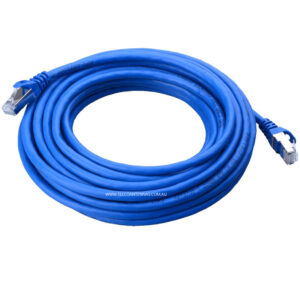
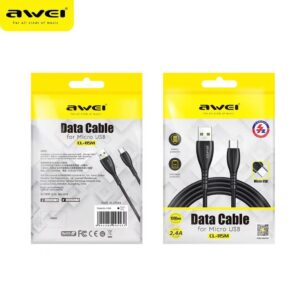
Brand name: Awei
Model ID:CL-115M Micro Fast Charging Cable
Output: 5V/2.4A
Length: 1M
Reviews
There are no reviews yet.