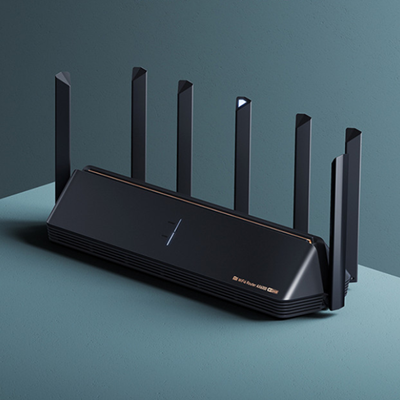
1. Brand: Xiaomi
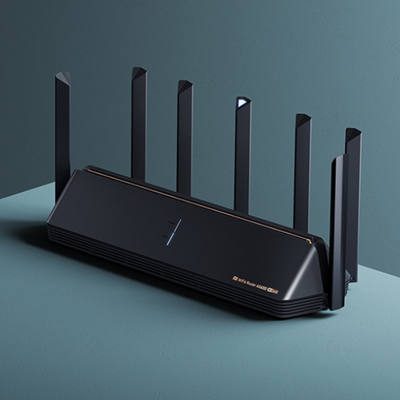
2. Model: AX6000
3. CPU: Qualcomm IPQ5018
4. ROM: 512MB
5. Memory: 128MB
6. Interface: 3 * LAN, 1 * WAN
7. 2.4G WIFI: 2 * 2 ( support IEEE 802.11n, the maximum speed is up to 300Mbps)
8. 5G WIFI: 4 * 4 ( support IEEE 802.11ac, the maximum speed is up to 1733Mbps)
9. Network Protocols: IEEE 802.11a/ac/b/g/n, IEEE 802.3/3u/3ab
10. Wireless Standard: Wireless AC
12. 11. Wireless Security: WPA,WPA-PSK,WPA2,WPA2-PSK
13. Max. LAN Data Rate: 1000Mbps
14. Usage: Home use
15. DC Port: 5.5 x 2.1
16. Gain dBi: 5dBi
17. Quantity of Antenna: 4
Xiaomi AX6000 WiFi 6 Router
₨15,000
1. Brand: Xiaomi
2. Model: AX6000
3. CPU: Qualcomm IPQ5018
4. ROM: 512MB
5. Memory: 128MB
6. Interface: 3 * LAN, 1 * WAN
7. 2.4G WIFI: 2 * 2 ( support IEEE 802.11n, the maximum speed is up to 300Mbps)
8. 5G WIFI: 4 * 4 ( support IEEE 802.11ac, the maximum speed is up to 1733Mbps)
9. Network Protocols: IEEE 802.11a/ac/b/g/n, IEEE 802.3/3u/3ab
10. Wireless Standard: Wireless AC
12. 11. Wireless Security: WPA,WPA-PSK,WPA2,WPA2-PSK
13. Max. LAN Data Rate: 1000Mbps
14. Usage: Home use
15. DC Port: 5.5 x 2.1
16. Gain dBi: 5dBi
17. Quantity of Antenna: 4
₨300
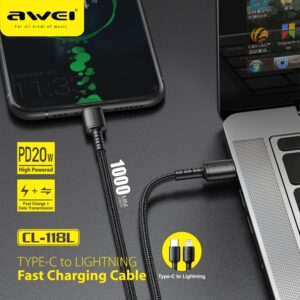
1. Cable length: 1 m
2. DC 5V/2.4A DC 9V/2A high current charging, fast and safe
3. Support PD protocol fast charging;
4. High-density nylon thread body, wear-resistant and stretchable, strong and not entangled
₨300
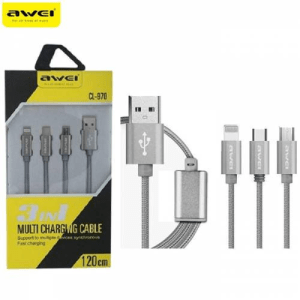
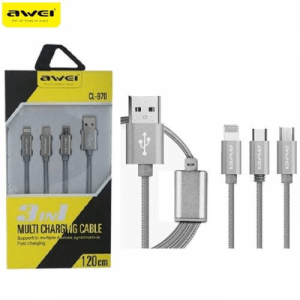
Awei CL- 970 Charging Cable 1.2M 3-in-1 Nylon Braided Micro-USB + Type-C + iOS Lightning 8 Pin
Awei 3 in 1 Data Cable CL-970
•Type: 3in1 (lightning port, micro port, and type C port)
•Cable Length: 1.2m
•Material: Braided Cable
•Uses high-strength nylon tough environmental wire
•Anti-broken, Anti winding
₨150
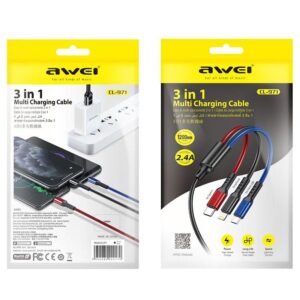
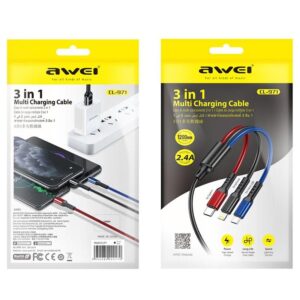
1. CL-971 three-in-one fast charging data cable
2. One for three, fast charging with three ports at the same time
3. All copper core, charging speed up to 60%
4. Oxidized metal connector, strong PVC body, durable
5. The cord is 1.2 meters long
₨100
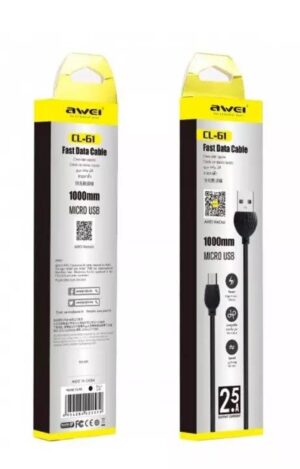
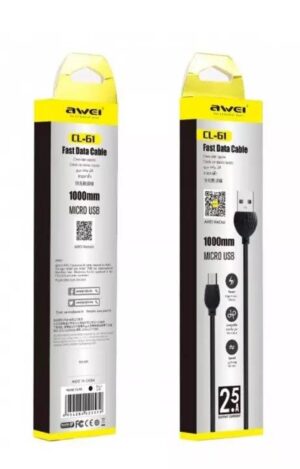
Micro-USB to USB fast data cable
1.0m length
2.5A Output Current
Black colour And white colour
₨400
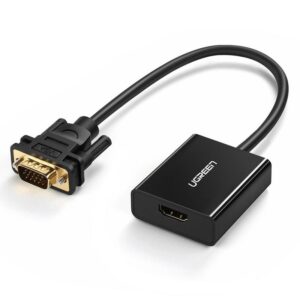
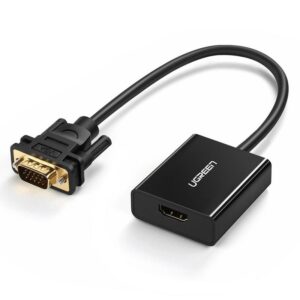
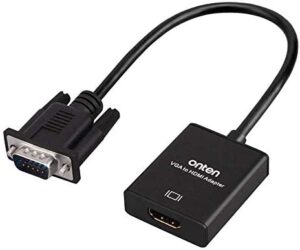
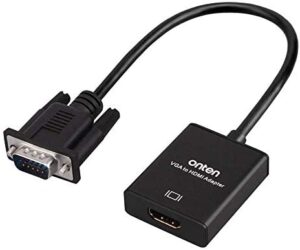
Plug the HDMI connector into an HDMI port on your computer, then connect the VGA connector to a VGA cable
₨500
- Insert the VGA interface into the computer or other equipment with the VGA output.
- Plug the USB and Audio connector into the related interfaces.
- Connect the HDMI cable to the HDMI female interface, and then connect the HDMI cable to the displayer or projector with the HDMI interface.
Reviews
There are no reviews yet.