
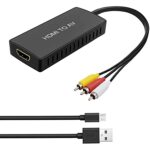
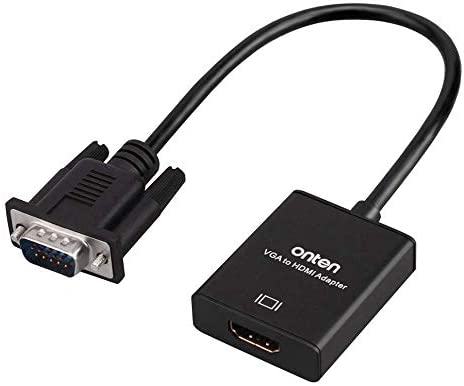
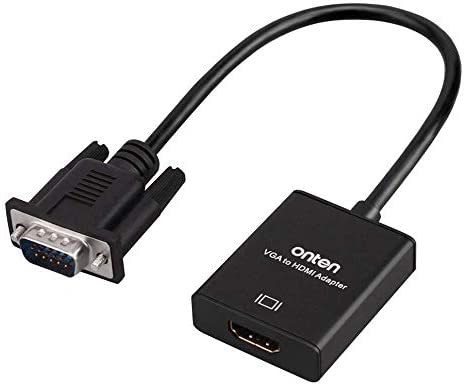
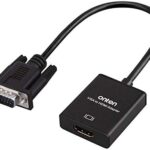
- Insert the VGA interface into the computer or other equipment with the VGA output.
- Plug the USB and Audio connector into the related interfaces.
- Connect the HDMI cable to the hdmi female interface, and then connect the HDMI cable to the displayer or projector with the HDMI interface.
VGA to HDMI Converter
₨500
- Insert the VGA interface into the computer or other equipment with the VGA output.
- Plug the USB and Audio connector into the related interfaces.
- Connect the HDMI cable to the HDMI female interface, and then connect the HDMI cable to the displayer or projector with the HDMI interface.
₨100
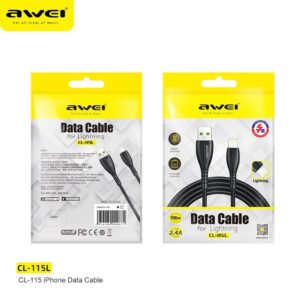
*High quality
*2.4A large current charging, fast and safe
*Elbow type cable. Designed for mobile game
*For type-C input devices
*Data Cable
*100cm Length
*Over Charge Protection
*Battery Protection
₨150
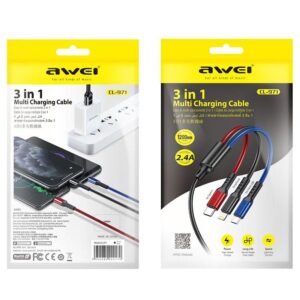
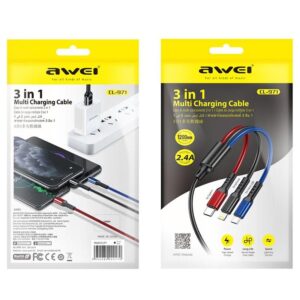
1. CL-971 three-in-one fast charging data cable
2. One for three, fast charging with three ports at the same time
3. All copper core, charging speed up to 60%
4. Oxidized metal connector, strong PVC body, durable
5. The cord is 1.2 meters long
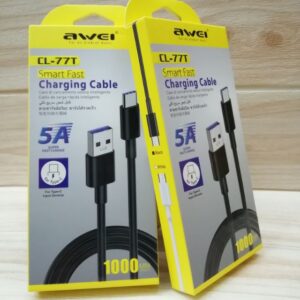
₨200
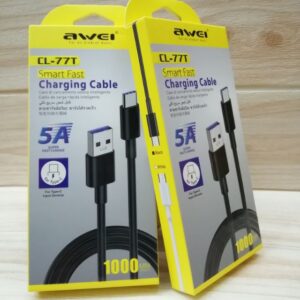
Awei CL-77T smart fast charging cable for type c input devices
5A super fast charge only for type c
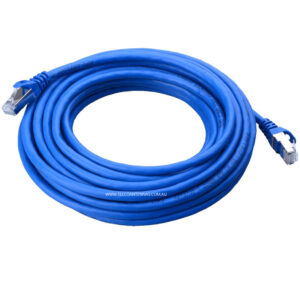
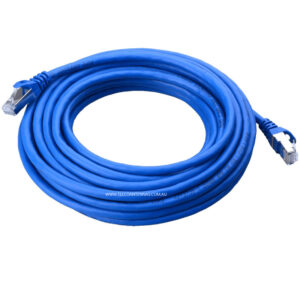
₨600
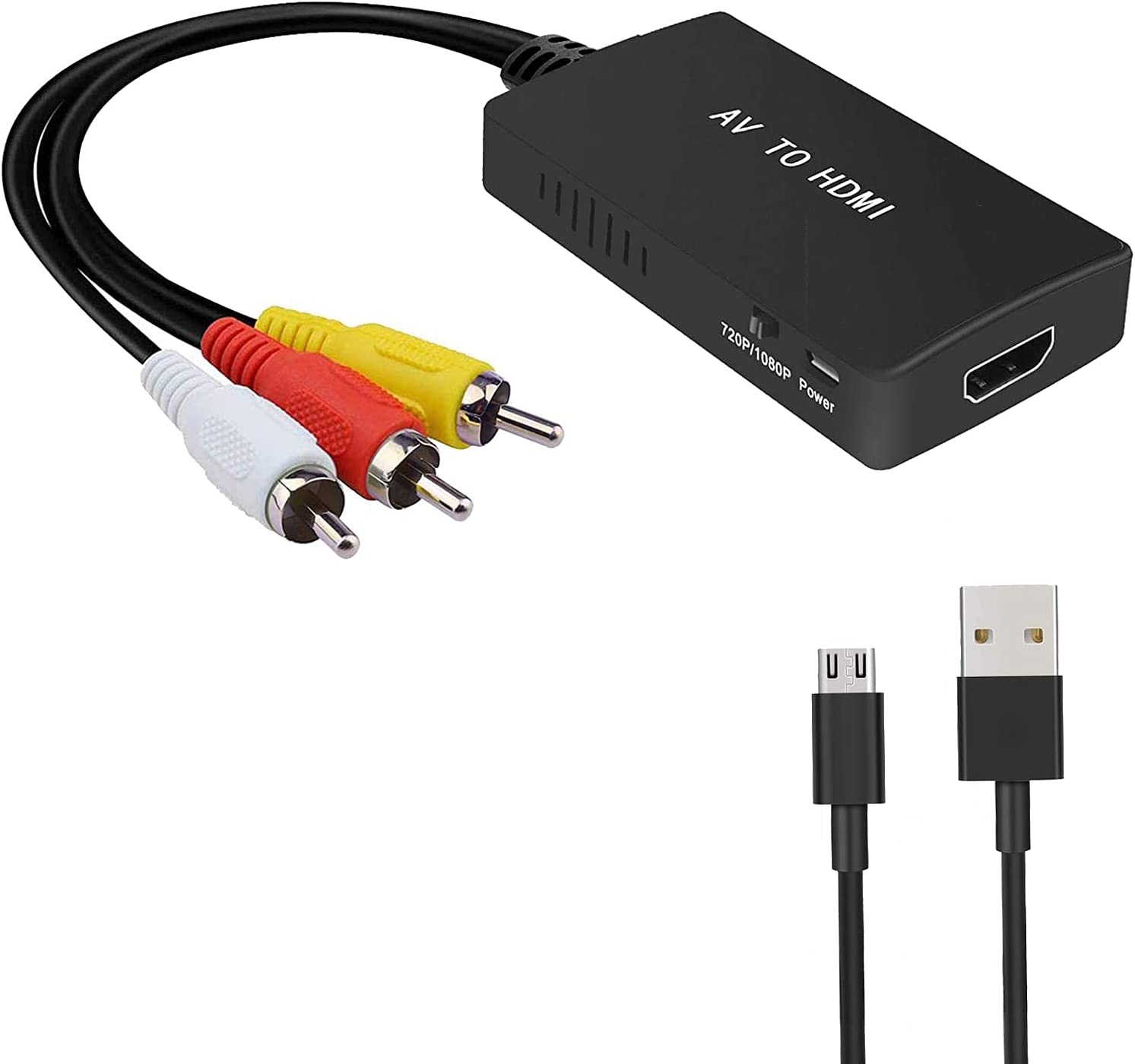
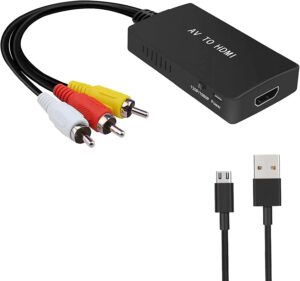
- RCA to HDMI Converter: Converts analog RCA composite (Yellow, White, Red) input to HDMI 720P/1080P (60HZ) output,displayed on HDTV/Monitor.
- Plug to Play: ABLEWE Mini RCA to HDMI converter no extra drivers need, just plug and play,easy to use.Please hook up the USB power cable (included) to 5V power source during use.
- Wide Compatibility: Support source formats of PAL, NTSC3.58, NTSC4.43, SECAM, PAL/M, PAL/N standard TV. Provide advanced signal processing with great precision, colors, resolutions, and details.
- Widely Used: Widely applied to PS2,PS3,Xbox,N64, WII, STB, VHS, VCR, DVD Players and other devices with standard composite AV input.
Reviews
There are no reviews yet.