
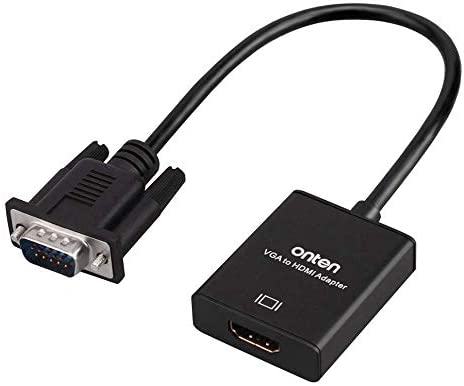
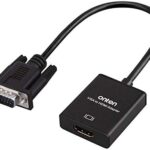
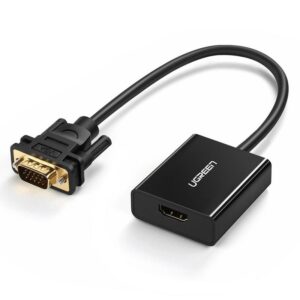
- Insert the VGA interface into the computer or other equipment with the VGA output.
- Plug the USB and Audio connector into the related interfaces.
- Connect the HDMI cable to the hdmi female interface, and then connect the HDMI cable to the displayer or projector with the HDMI interface.
VGA to HDMI Converter
₨500
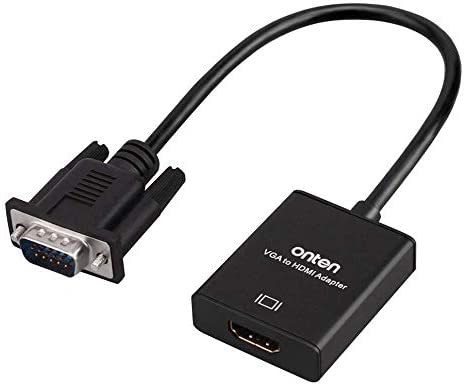
- Insert the VGA interface into the computer or other equipment with the VGA output.
- Plug the USB and Audio connector into the related interfaces.
- Connect the HDMI cable to the HDMI female interface, and then connect the HDMI cable to the displayer or projector with the HDMI interface.
₨300
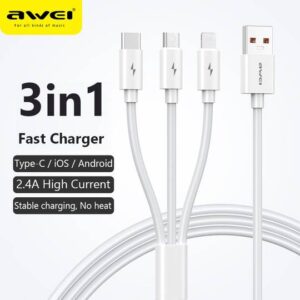
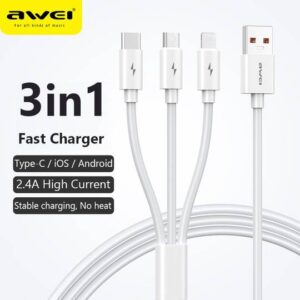
Awei CL-120 3 in1 Cable
For iOS, Type C and Micro USB.
2.1A
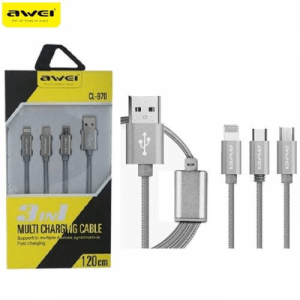
₨300
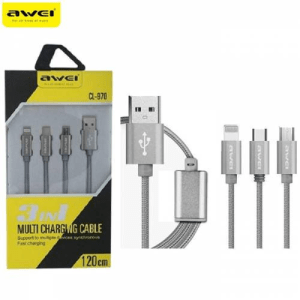
Awei CL- 970 Charging Cable 1.2M 3-in-1 Nylon Braided Micro-USB + Type-C + iOS Lightning 8 Pin
Awei 3 in 1 Data Cable CL-970
•Type: 3in1 (lightning port, micro port, and type C port)
•Cable Length: 1.2m
•Material: Braided Cable
•Uses high-strength nylon tough environmental wire
•Anti-broken, Anti winding
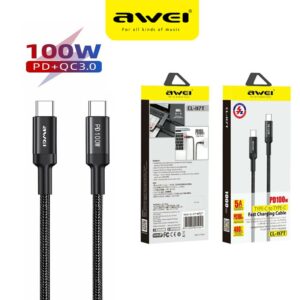
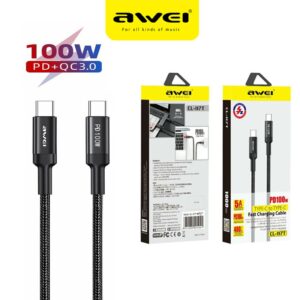
₨400
1. PD 100W Type-C to Type-C, 1 meter
2, 20V5A Current
3. Fully charge For Marbook Notebook in about 1.5 hours (Fast Charge for HUAWEI, MI)
4. Extended Protective SR Soft Rubber, No Fear of Bending or Breaking
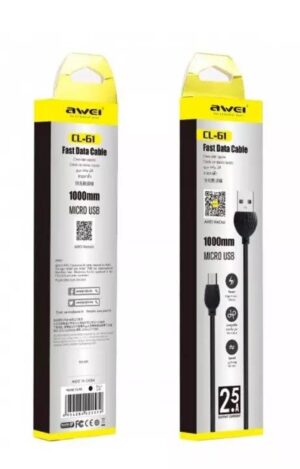
₨100
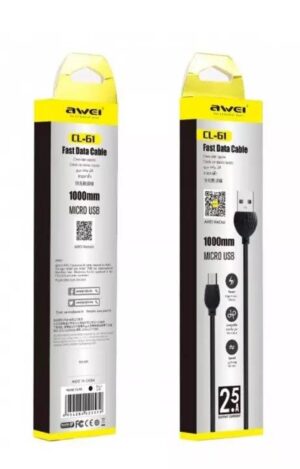
Micro-USB to USB fast data cable
1.0m length
2.5A Output Current
Black colour And white colour
₨400
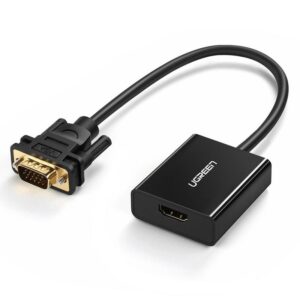
Plug the HDMI connector into an HDMI port on your computer, then connect the VGA connector to a VGA cable
Reviews
There are no reviews yet.